
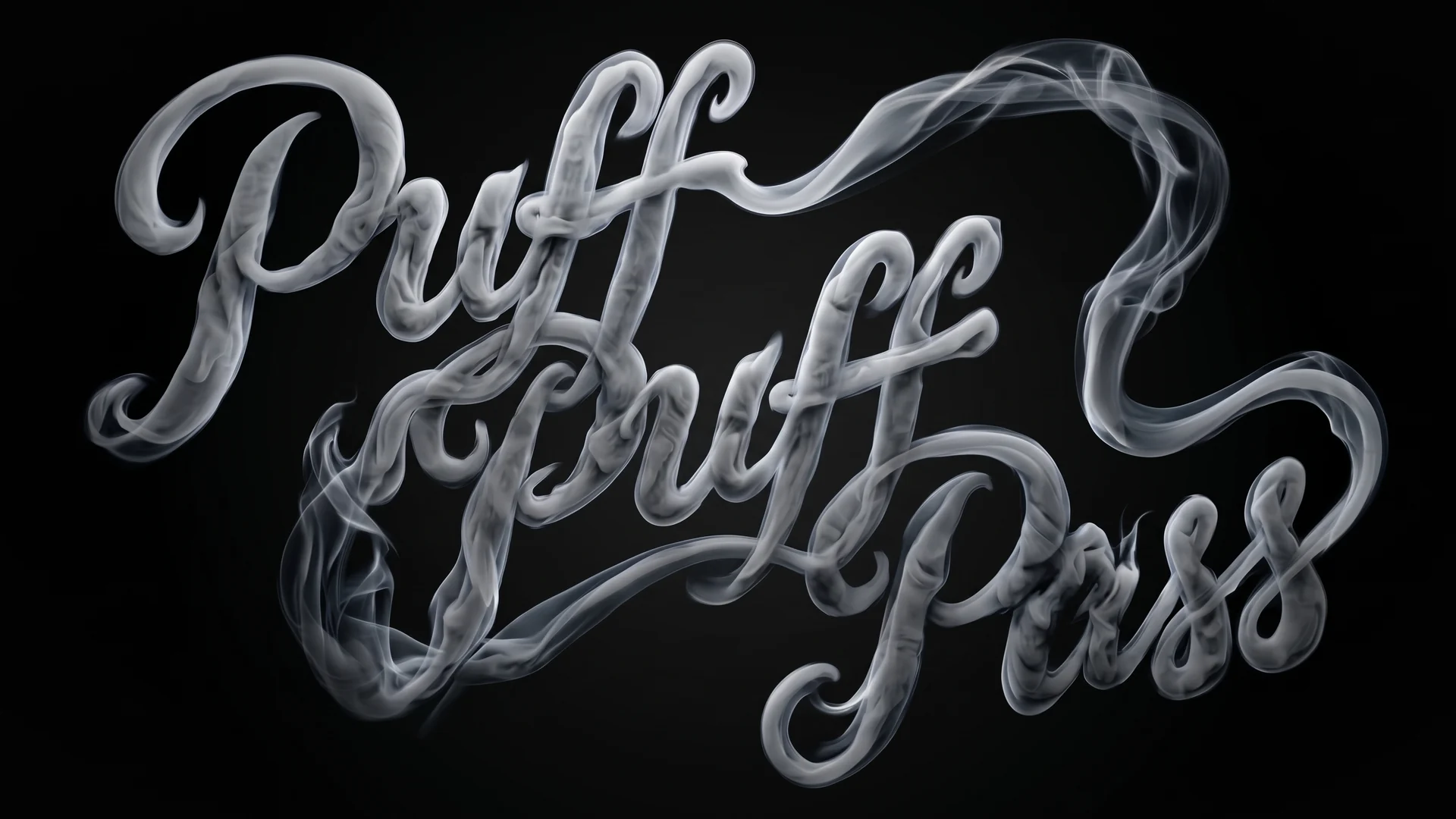
Puff-Puff Pass
Faux-smoke dissipation. Select a layer, press Apply, blow it away.
What it does
Puff-Puff Pass breaks a layer up into drifting smoke, or condenses it out of smoke, and does it with real transparency rather than a darkening fade.
- Apply to Matte. Your artwork becomes a clean white luma matte and a full-frame solid in its colour becomes the visible layer, so the smoke can drift anywhere instead of being trapped inside the original shape.
- Feature Scale. One control scales every spatial quantity at once: noise octaves, erosion and edge choke. Big icons, medium shapes and thin strokes each get proper wisps.
- Passes. Stack 2 or 3 expression-linked passes for smoke with volume. You still only dial one rig.
- Puff Off / Puff On. Dial the fully dissipated frame, set a range, press once. Puff On plays the same thing in reverse for an entrance.
- Origin. Pin the noise to the null your element tracks, so the smoke belongs to the object instead of crawling across it.
What's in the download
- The dockable panel, the effect preset and a one-click installer.
- The manual, install notes and license agreement.
FAQ
Do my projects need Puff-Puff Pass to render? No. After Effects stores the effect definition inside the project, so render farms and Media Encoder need nothing installed.
Does it work on a Mac? Yes. The installer places the effect preset on both platforms; on a Mac you copy the panel file into the ScriptUI Panels folder yourself (two steps, covered in the notes).
Why does my element fade instead of breaking up? Feature Scale is too high for its size. Start at 100 for large icons, 60 for medium shapes and 30 for thin strokes.
Refunds? Within 14 days, no questions asked.